Wireframe Assessment ↵
April 2025
Skills
Markdown, Wireframing, Moodboarding, Colour Scheming
Markdown, Wireframing, Moodboarding, Colour Scheming
HTML, CSS, SASS, Wireframing, Web Design
HTML, CSS
HTML, CSS, SASS
HTML, CSS, SASS
HTML, CSS, SASS
HTML, CSS
Python, Markdown
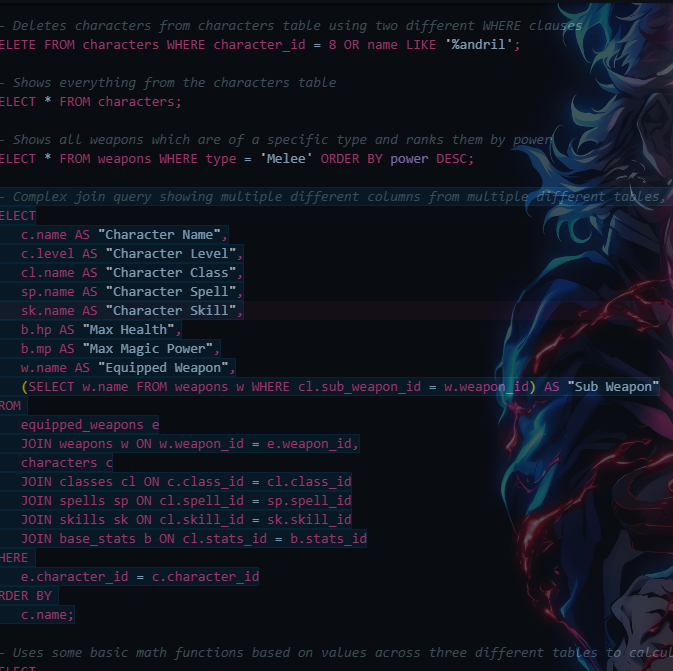
SQL - PostgreSQL
Python, PostgreSQL, SQLite, Pytest, Gunicorn, Flask, Marshmallow, Render, Neon
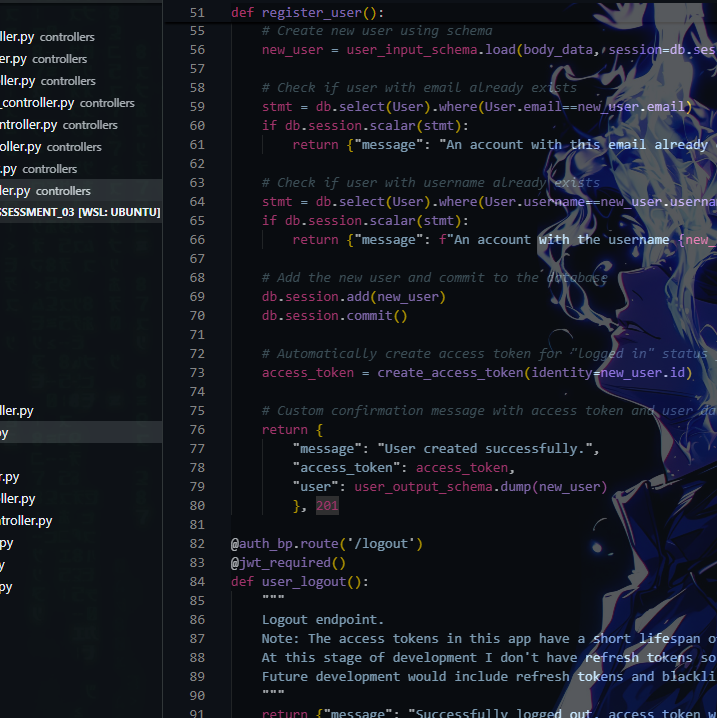
A fully deployed backend API using Flask!
A sophisticated authenticated system!
The goal was to create a backend API using modern Python stack, integrating SQL and Marshmallow, linking to a deployed PostreSQL database. My goal was to create the basis for a bouldering application. A full breakdown of the application can be found on the GitHub repo linked from the project card, mainly the things I learned here were how to use Authentication and Authorisation, as well as how to use sophisticated validation and sanitisation across multiple layers in an application. I also learned that deployment is a breeze for basic applications such as this! Awesome sauce!
A list of all packages, security, and ethical concerns are listed in the documentation.
Finally, as a lot of the header tokens aren't functional due to it being an isolated backend API, please have a look at the API documentation to see examples for all routes!
Our first group assessment!
DOCUMENT ALL THE THINGS!!!
As part of a three person team, we all leaned into our strengths here! lulu-codes spent her time deep diving into ethical considerations across applications, with a lot to unpack here due to my choice of a simulated gambling application! jordanleal12 was integral in creating documentation for setup, installation, and usage instructions. My work for this assessment was in code-comments, docstrings, and some detailed analysis of functions throughout the application. As I had the most familiarity with the functions, classes and methods in the project, I needed to make sure these were all understandable for anyone wishing to use the application. Here's hoping if you have a look at it that it makes a lot more sense than previous versions!
It was great to work with two fellow cohort members with different skill sets, strengths, and approaches to tasks.
It was a good opportunity for me to also familiarise myself with Agile project management, and Kanban task management (Hello, Trello!)
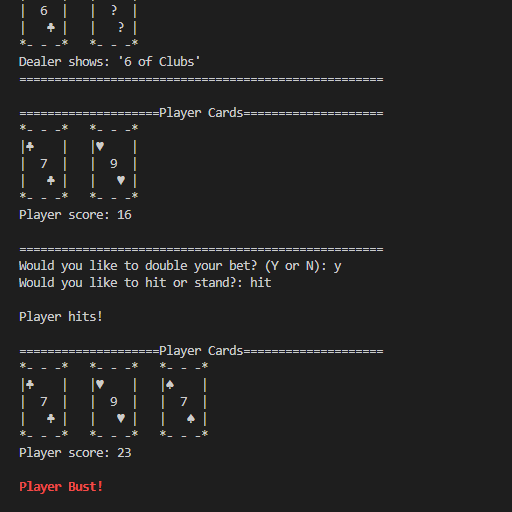
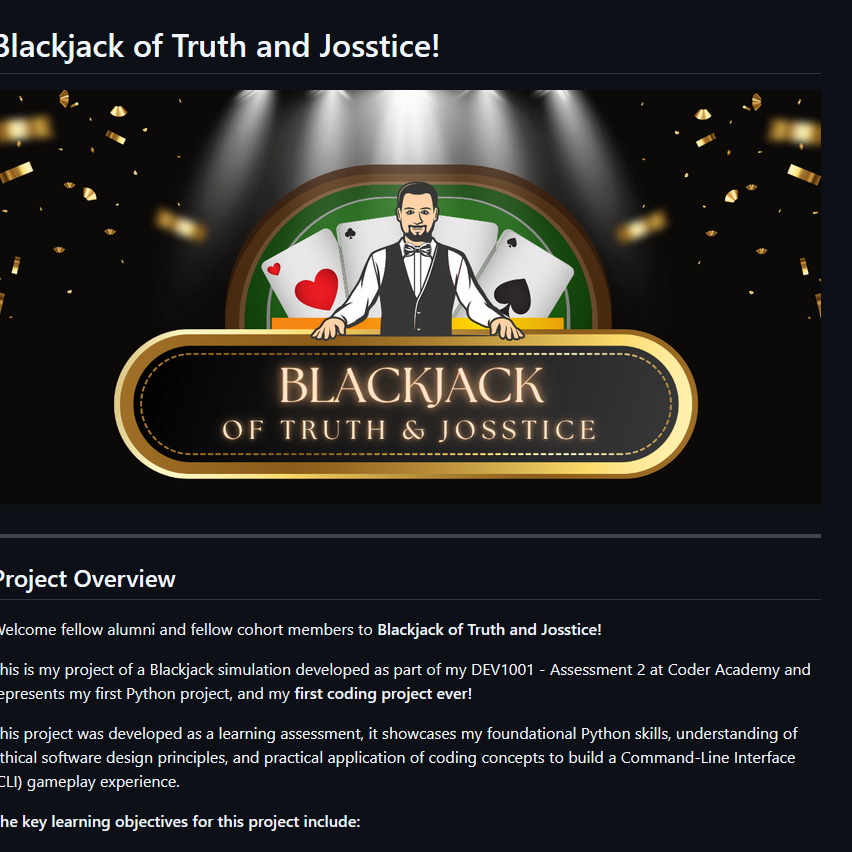
A custom made Python application from scratch using external libraries!
First time building a program!
The first assessment for programming skills in the CoderAcademy Full Stack bootcamp! I had never touched Python programming before, though I knew a little about logic strings from my time working with large Excel files. It was honestly a very reqarding experience!
90% of the work I completed on the app was through functions and unit testing, though due to the small scope and heavily customised functions and methods of the app I completed unit testing manually through iterated function tests. Manual testing was then started once the interface of the app was being designed, since the app was a game with set rules it was easy enough to come up with several user stories which I would need to test, and through several incorrect and wild inputs I could cleanly and effectively deal with errors as I found them.
I received full marks for all sections with the exception of the readme.md file, which I was not as confident on. I neglected to inform users of the security and ethics of the packages I used in the python app (rich, colorama playingcards , art). This will be corrected in all future app development, however as I feel it is necessary to show development of my development as I go, I am uploading the file as is!
For any security concerns for the packages used in the app please head to the relevant page on Pypi.org.
The website you're looking at right now! Congratulations to me!
Our first assessment in regard to coding and designing a website. This included the use of multiple web pages, navigation for users, as well as use of animation.
The languages used include HTML, CSS & SASS. I have also included and become familiar with importing assets from external websites such as Google Fonts and Font Awesome to style the website.
We are also asked to make our website responsive for multiple device types, I have chosen to use portait orientation for both mobile and tablet devices, as well as desktop.
Personally this started as a "desktop first" design which I then rolled changes into for different media.
Content was not something which would be graded on this assessment, as it is mainly for the construction, semantics, and styling for the website not for the content itself. Therefore a few areas are still under construction, and some assets such as logos will not be completed until I have assessed what I would like to create.
A lot of spicier coding is to come so as my journey continues I will update my portfolio with new skills! I'm especially excited for some more powerful tools like JS!
Our first assessment in regard to industry skills!
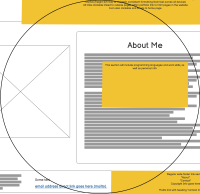
We were encouraged to make low fidelity wireframes for our portfolio assessment. The result of which is what you're looking at right now!
We were required to show clear navigation and use case for all elements, and also to create four distinct elements such as a header, footer, navbar and main section. We were also asked to create further wireframes for responsive design on multiple display types.
I designed the desktop version of the wireframe first, and continued to creating the tablet and mobile versions. I decided to use device width as a guideline, as this would likely mean display should be relatively fine on all devices (who even browses a website in landscape on a mobile device?!)
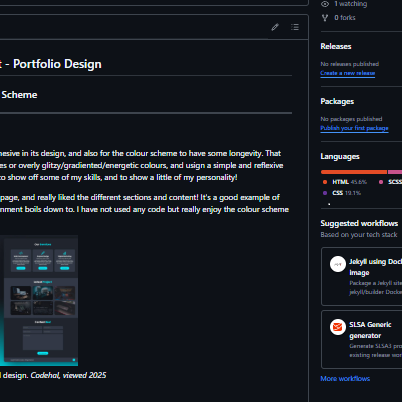
This was also my first assessment using Markdown which I used to create the brief document including some moodboarding and colour scheming!
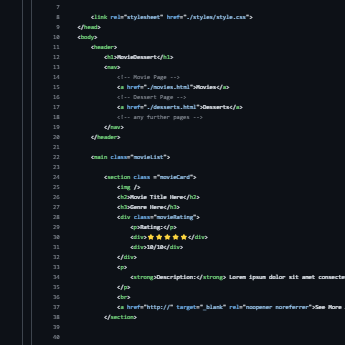
A simple static HTML webpage created as part of our online education content during our course. Very simple stuff, something I was vaguely familiar with from the Myspace days, when you could customise your profile page. Really a big difference between this and the portfolio assessment later in the year!
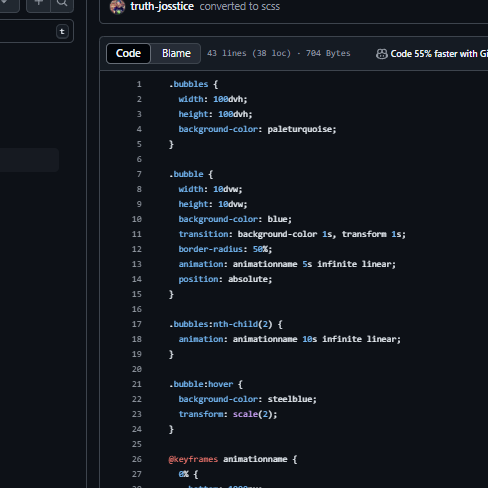
Some classwork where we created some basic animations using CSS and SCSS/SASS.
It was a code along session which we completed during a lecture, however mine is a little different as I experimented with some of the animations.
We were introduced to the @keyframes animation functions in CSS and how to add them to elements from our very basic bubble HTML file.
Also we had further opportunities to style and colour elements in CSS.
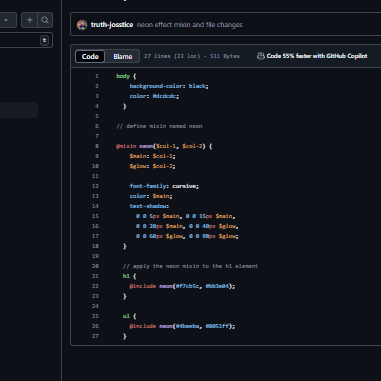
An excerpt from our Ed classwork involving the neon text effect, and more broadly the function of mixins in SASS.
Text neon effects were added to elements to create the old school neon glow effect. Pretty cool little details depending on the kind of website you are creating, could definitely see myself using this in some content.
Introduction to SASS/SCSS and how this works with CSS.
Classwork was focussed on how SASS is implemented with CSS to ensure a broader range of compatability
We were required to show clear navigation and use case for all elements, and also to create four distinct elements such as a header, footer, navbar and main section. We were also asked to create further wireframes for responsive design on multiple display types.
I designed the desktop version of the wireframe first, and continued to creating the tablet and mobile versions. I decided to use device width as a guideline, as this would likely mean display should be relatively fine on all devices (who even browses a website in landscape on a mobile device?!)
This was also my first assessment using Markdown which I used to create the brief document including some moodboarding and colour scheming!
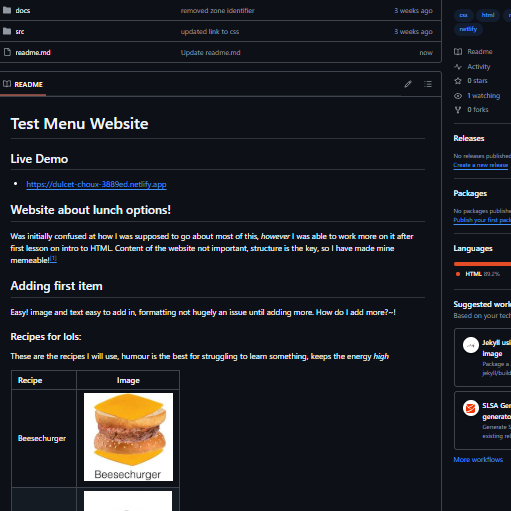
First real swing into the magic of HTML!
Boy this took me back to myspace days! All of the time taken to create one of a kind ugly hashed together and bashed up HTML code for your page! Those were the days!
Not quite like riding a bike, but after a lot of trial and error I made the page described in our Ed content!
Realistically content here didn't matter, but what better way to make myself chuckle and keep my spirits up in the excercise than through memes and humour!
Really the coolest part was seeing a page completely from scratch become what I wanted it to! A great first excercise!